
Why You Need a Study Timer (And What Actually Works)
By groupstudytimer · Last updated 4 July 2026
Here's a familiar situation. You tell someone you studied for eight hours, and it's technically true — you were at your desk from morning till evening. But if you're honest, maybe two or three of those hours were real, focused work. The rest disappeared into checking your phone, re-reading the same paragraph, and "quick" breaks that stretched into half an hour. That gap between hours logged and hours learned is the thing most students never see clearly.
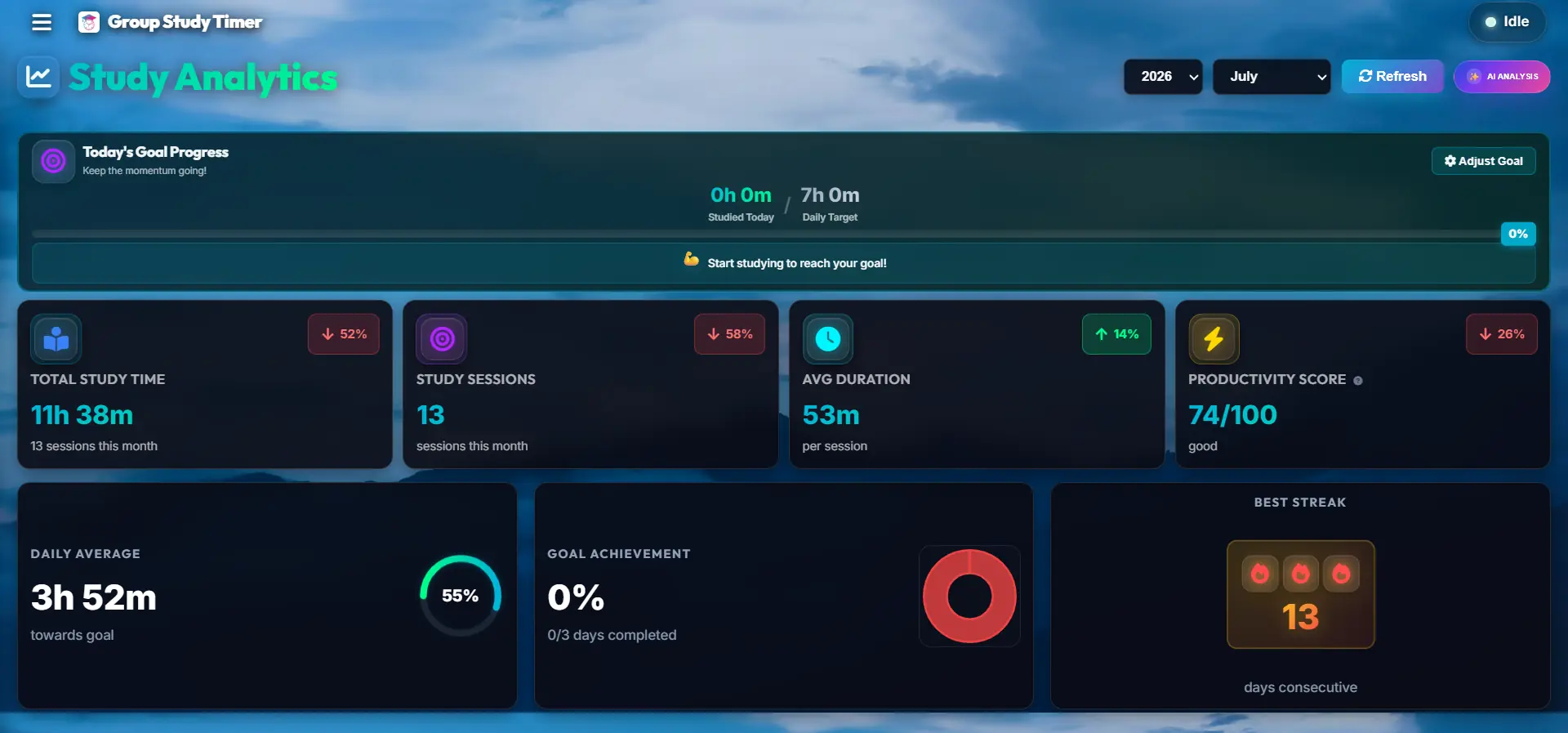
A study timer isn't magic and it won't make you smarter. What it does is close that gap. When the clock only runs while you're actually working, you stop counting the tea breaks and tab-switching as study time. After a week of tracking, most people are surprised — usually a little embarrassed — by how different their real focused hours are from what they assumed. That honest number is the starting point for getting better.
Why Tracking It Yourself Never Sticks
Almost everyone tries the manual route first. A notebook, a Notes app, a spreadsheet with start and stop times. It works for a day or two, then you forget to write down one session, then two, and within a week the whole thing is abandoned. It's not a discipline failure — logging by hand adds a small tax to every study block, and small taxes are exactly the things a tired brain drops first.
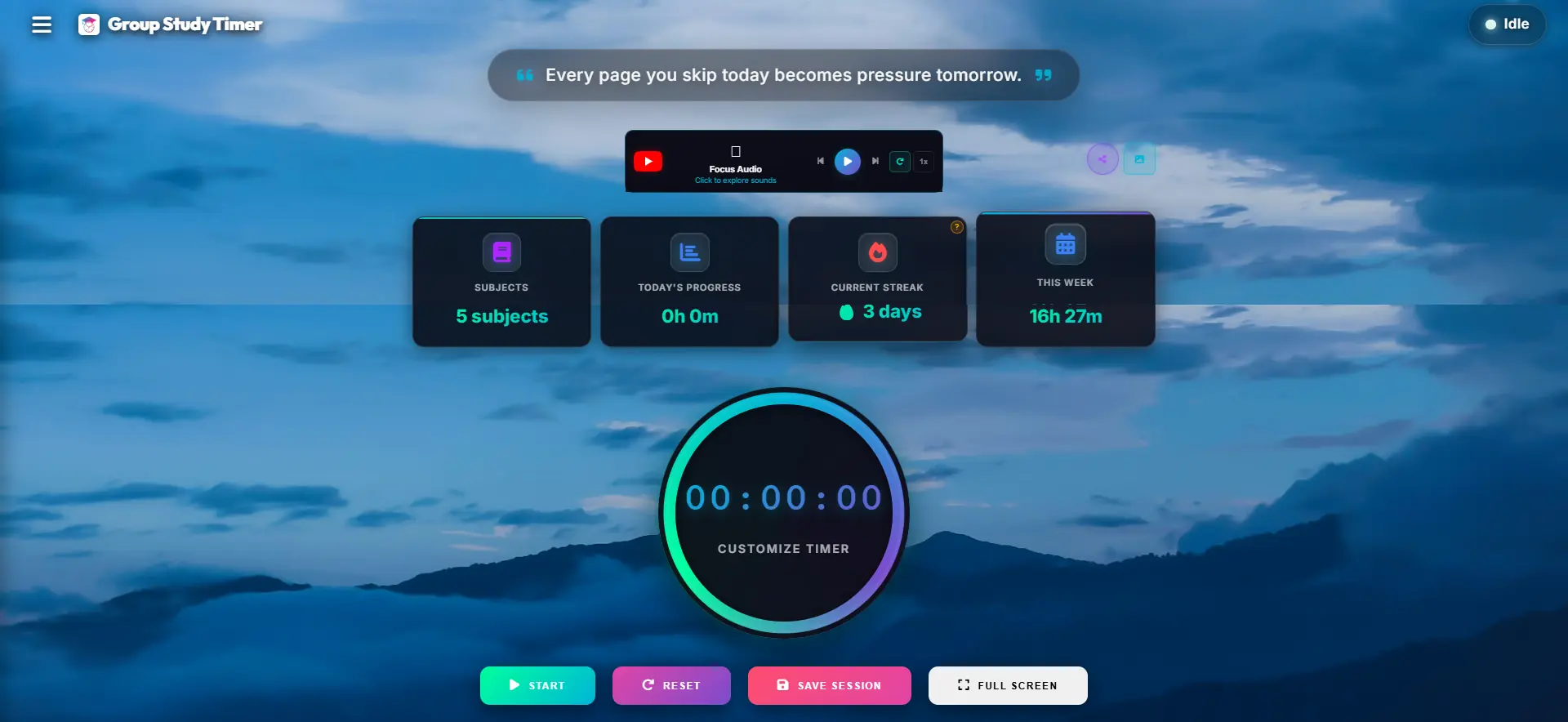
A timer removes that tax. You press start when you begin and stop when you're done, and the record keeps itself. Because there's nothing to remember and nothing to write up later, it survives the busy weeks — which are the weeks that actually matter during exam season.
Three Things That Actually Change When You Start Using a Timer
1. The subjects you avoid stop hiding
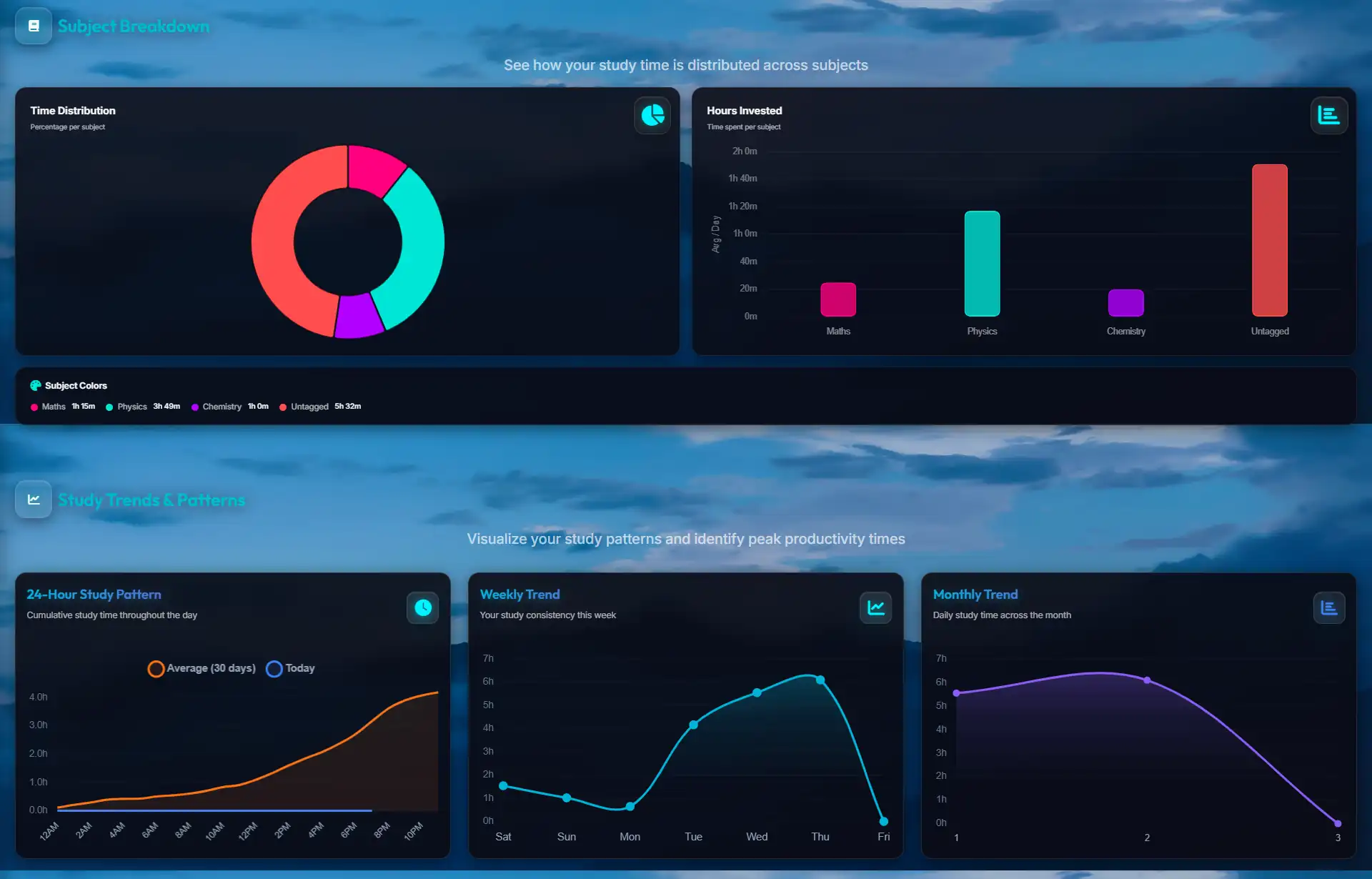
We all drift toward the subjects we're already good at, because they feel nice to do. If Physics scares you, you'll "start with a bit of Chemistry" every single day — and Chemistry quietly eats the whole session. You don't notice it happening. But when the week's hours are laid out by subject, a lopsided split (say twelve hours of Chemistry and three of Physics) is impossible to ignore. Seeing it written down is usually enough to make you fix it, because now it's a fact, not a vague feeling.
2. You find out when you actually focus best
Some people do their sharpest work before 8 AM; others don't fully wake up until night. Most students assume they know their peak hours but have never checked. After a couple of weeks of tracking, the pattern shows up on its own — you can see which blocks consistently turn into long, uninterrupted sessions and which ones fall apart. Once you know your good hours, the move is simple: protect them for your hardest subject, and push revision, notes, and easy admin work into the low-energy slots.
3. You can rest without the guilt
This one surprises people. When you don't measure anything, "enough" is a moving target — you always feel like you should be doing more, so you never fully switch off. Set a realistic daily goal, say four or five focused hours, and once the timer confirms you've hit it, you're genuinely done for the day. You can watch something, meet friends, actually sleep. That off-switch is what keeps you going for months instead of burning out in a fortnight.
What Most Students Get Wrong About Study Timers
Chasing a huge number. Setting out to "do twelve hours a day" sounds impressive and lasts about two weeks before you crash. Aim for focused hours you can repeat every day for months. For most students that's around four to six genuinely concentrated hours; anything past that is usually padding.
Treating the timer as punishment. A timer doesn't cancel breaks — breaks are the point of methods like Pomodoro (25 minutes on, 5 off). The clock only runs while you're actually working, so pausing to rest doesn't "cost" you anything. Working straight through without breaks is what tanks your retention.
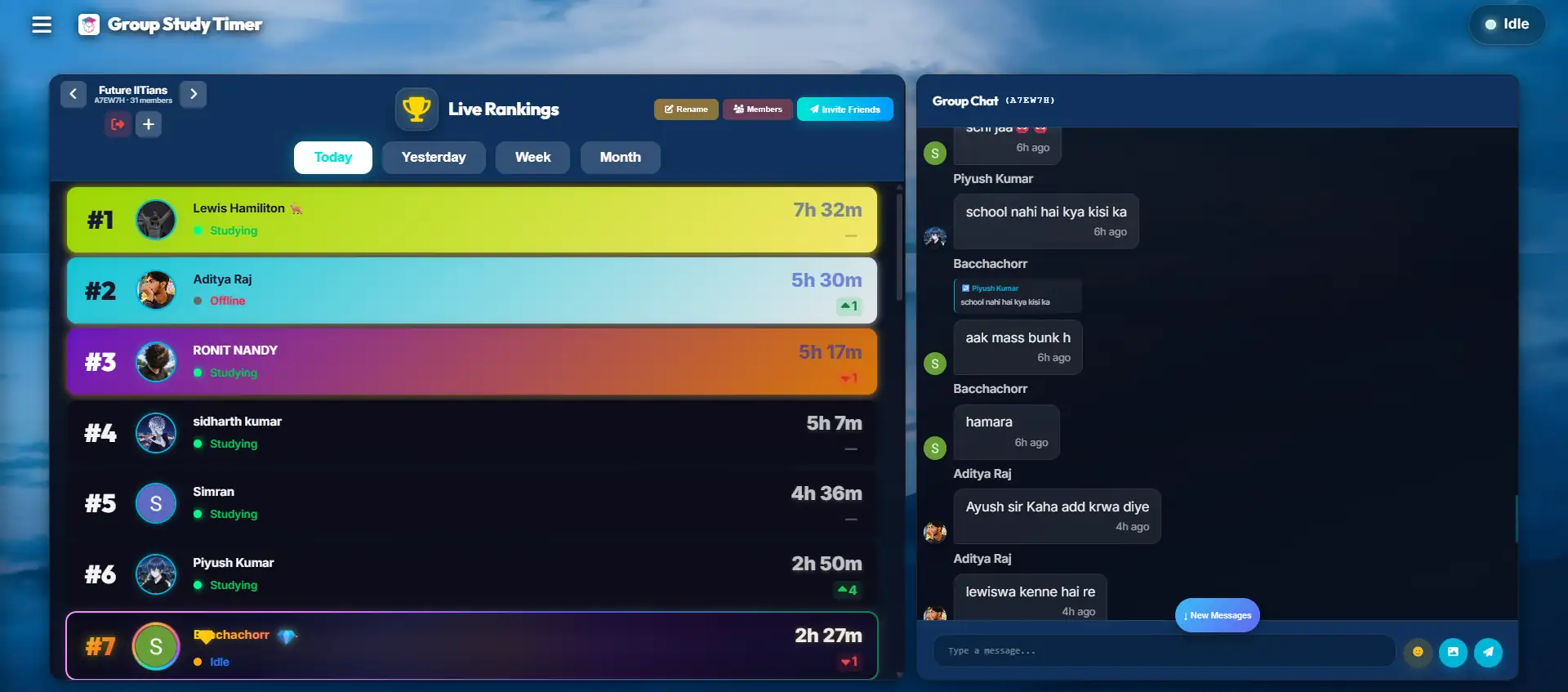
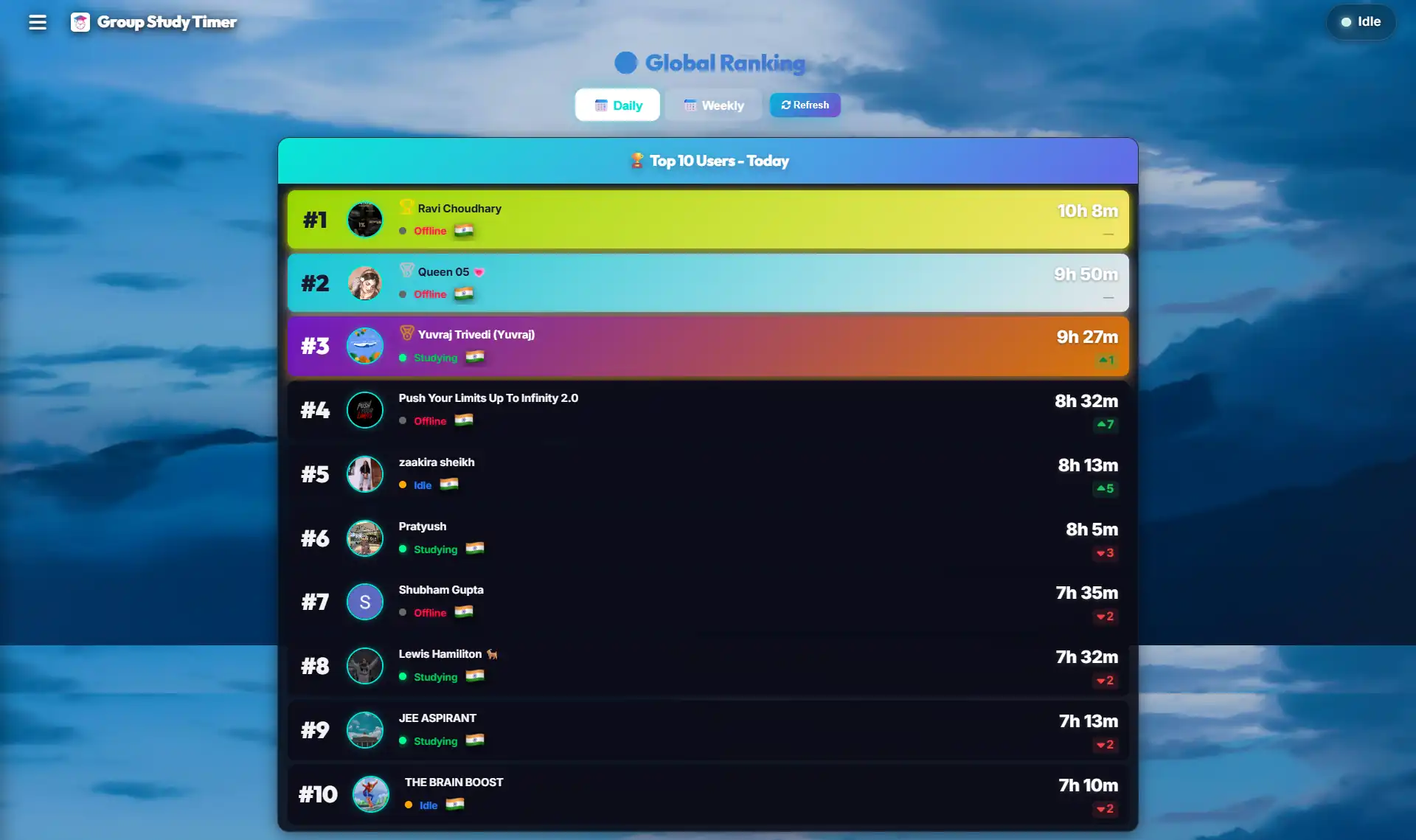
Grinding completely alone. Solo study is quietly demoralising, especially over long prep cycles. If motivation is your weak point, studying in a shared room where you can see others logging hours creates a gentle pressure to show up. It's the same reason people find it easier to go to the gym with a friend.
How to Actually Get Value From It
Clicking start is the easy part. A few small habits around it are what turn a timer from a novelty into something that genuinely improves your prep. None of this is complicated — it's mostly about deciding things before you begin instead of during.
- 1. Deal with your phone first. This matters more than anything else on the list. If your phone is within reach, part of your attention stays on it even when the screen is dark. Put it in another room, or hand it to someone, for the length of the session. Clearing your desk of clutter helps too, but the phone is the one that actually moves the needle.
- 2. Pick one concrete thing to finish. "Study maths" is not a goal, it's a mood. "Finish 15 integration problems" or "revise two chapters of Organic" is a goal, because you'll know when it's done. Write it down before the clock starts. A clear target stops you from drifting the moment the work gets slightly hard.
- 3. Match the block length to the task. Short, memory-heavy work (definitions, formulae, vocab) fits the classic 25-on, 5-off Pomodoro rhythm. But problem-solving, long numericals, or essay writing need more runway — a 25-minute block cuts you off just as you get going. For that kind of deep work, try 50 minutes on with a 10-minute break. Adjust once you see what actually holds your attention.
- 4. Take the break properly. When the break comes, actually leave the desk. Stand up, walk around, look at something far away to rest your eyes. Scrolling your phone isn't a break — it just swaps one screen for another and your brain never gets to reset. The rest is part of the method, not a reward you have to earn.
Three Habits That Quietly Ruin Your Tracking
Once you start tracking, it's easy to slip into a few traps that make the numbers look good while your actual learning goes nowhere. Watch for these.
Inflating the number
The moment the daily total becomes a score, it's tempting to leave the timer running through lunch, YouTube, and a long chat with a friend just to see a big "10 hours" on the dashboard. The problem is you're the only person you're fooling. The number is useful precisely because it's honest — the day you start padding it, it stops telling you anything. If you step away for more than a couple of minutes, pause the clock.
Pretending you can multitask
Reading a textbook while a lyrical playlist runs and Discord keeps pinging isn't studying three things at once — it's your brain switching rapidly between them and losing time on every jump. Retention drops hard. While the timer is running, do one thing. Instrumental music or silence, notifications off, single tab. It feels slower and it isn't.
Skipping breaks to "grind"
Pushing through a three-hour block without stopping feels hardcore, but by the last hour you're mostly staring at the page. Your brain does a lot of its consolidation during short rests, which is exactly why the break is built into the method. Skipping it doesn't get you more done — it just spreads the same output over more time and leaves you fried. Take the five minutes.
Comparing Your Options: Which Timer is Best?
You have several options when it comes to tracking your time. Let's compare them objectively so you can choose the tool that fits your workflow.
Frequently Asked Questions (FAQ)
Does the Pomodoro method really work for complex subjects like Mathematics?
The traditional 25-minute Pomodoro is often too short for complex problem-solving because it takes 10 minutes just to get deeply immersed in a calculus problem. For heavily logical subjects, we strongly recommend altering your timer to a 50-minute work block followed by a 10-minute break. This gives you ample time to enter the flow state without burning out.
Is this study timer actually free, or will I hit a paywall?
GroupStudyTimer is entirely free. There are no hidden fees, no premium subscriptions, and no features locked behind paywalls. Every student gets full access to AI analytics, group rooms, and unlimited tracking.
How does the anti-cheat system work in group study rooms?
To ensure leaderboards remain fair and competitive, our system actively monitors idle time. If you leave your timer running but walk away for hours, the system will pause your session to prevent "ghost hours" from inflating your stats.
Can I use this timer on my phone?
Yes! The website is fully responsive and works perfectly as a mobile web app. However, for maximum focus, we highly recommend using it on a laptop or desktop so you can physically distance yourself from your smartphone.
How long should my daily study goal be?
Quality always trumps quantity. Four hours of deep, hyper-focused work will yield better results than eight hours of distracted, half-hearted reading. Start with a modest goal of 3 to 4 tracked hours per day, and slowly scale up as your cognitive endurance improves.
Why We Built This
We built GroupStudyTimer because we got tired of the same trade-offs during our own exam prep. Phone timers put the biggest distraction in our hand. A kitchen timer counted down fine but told us nothing about where the week actually went. And the web tools that did have good analytics wanted a monthly fee that's hard to justify on a student budget.
So the goal here was narrow and honest: a clean page you can open in a browser, that quietly logs your hours by subject, shows you an honest heatmap, and lets you study alongside other people when you need the accountability. No install, no subscription, no locked features. It won't do the studying for you — but it will make sure you always know exactly how much of it you're really doing.
Explore More Productivity Strategies
Ready to dive deeper into optimizing your study habits? Check out our specialized guides and tools tailored for different learning styles:
- 👉 Surviving Exam Season: The Power of Virtual Study Rooms - Learn how body doubling and peer accountability can cure academic isolation.
- 👉 Conquering Burnout with the Pomodoro Timer - Discover why shrinking your commitments to 25-minute blocks is the ultimate antidote to procrastination.
- 👉 Designing Your Focus: The Aesthetic Timer - Read the science behind visual clutter and why a beautiful UI reduces cognitive load.
- 👉 The Science of Measurement: Why a Study Tracker Transforms Exam Prep - See how heatmaps and analytics expose the gaps in your study schedule.
How Many Hours Should You Study? Exam-Wise Guides
Wondering how many hours to study for your exam and what a realistic study timetable looks like? Our in-depth, exam-specific guides break down daily hours, sample schedules and preparation strategy from Class 10 all the way to competitive entrances:
- 👉 How Many Hours Should You Study for NEET? - NCERT-first strategy, Biology weightage, and sample daily timetables.
- 👉 How Many Hours Should You Study for JEE? - Problem-first study plans for Class 11, Class 12 and droppers.
- 👉 How Many Hours Should You Study for CUET? - How to prepare alongside your Class 12 boards.
- 👉 Class 12 CBSE Board Study Hours & Timetable - Balance boards with JEE, NEET or CUET.
- 👉 Class 10 CBSE Board Study Hours & Timetable - A realistic, stress-free study plan to score 90+.
- 👉 See all study-hours guides (UPSC, CAT, CLAT, SAT, IPMAT & more) - Browse the full study blog.
Find Out Where Your Hours Really Go
Give it one week. Track your real focused hours, spot the subject you keep avoiding, and adjust. It's free, there's nothing to install, and over 1,000 students are already using it.
No credit card required. Instant access.