
Why a Study Tracker Changes How You Prepare
By groupstudytimer · Last updated 4 July 2026
There's a trap almost every student falls into: you spend five hours with the textbook open, feel like you worked hard, and then blank out in the actual test. It's not that you didn't try. It's that "sitting with the book" and "learning the material" are two different things, and without something measuring the gap between them, they feel identical while you're doing it.
Think about how anyone serious about improving at anything physical trains — they don't just "try harder," they track times and reps and adjust based on what the numbers say. Exam prep for JEE, NEET, UPSC or boards isn't that different. Your study hours are the training log. If you never look at where they actually go, you're guessing about your own preparation.
That's the whole case for a study tracker. It won't teach you Physics, but it will show you honestly how much time you're putting in, which subjects you're quietly neglecting, and whether your "productive" days are as productive as they feel. This guide covers what tracking actually does for you, the mistakes that make the data useless, and a simple weekly routine to build around it.
Measurement Beats Memory
We're bad at judging our own effort. Ask yourself how much you studied yesterday and you'll probably round up — you remember the effort of sitting down, not the half hour on YouTube, the texting, or the ten minutes spent staring at the same page. It's not dishonesty, it's just how memory works.
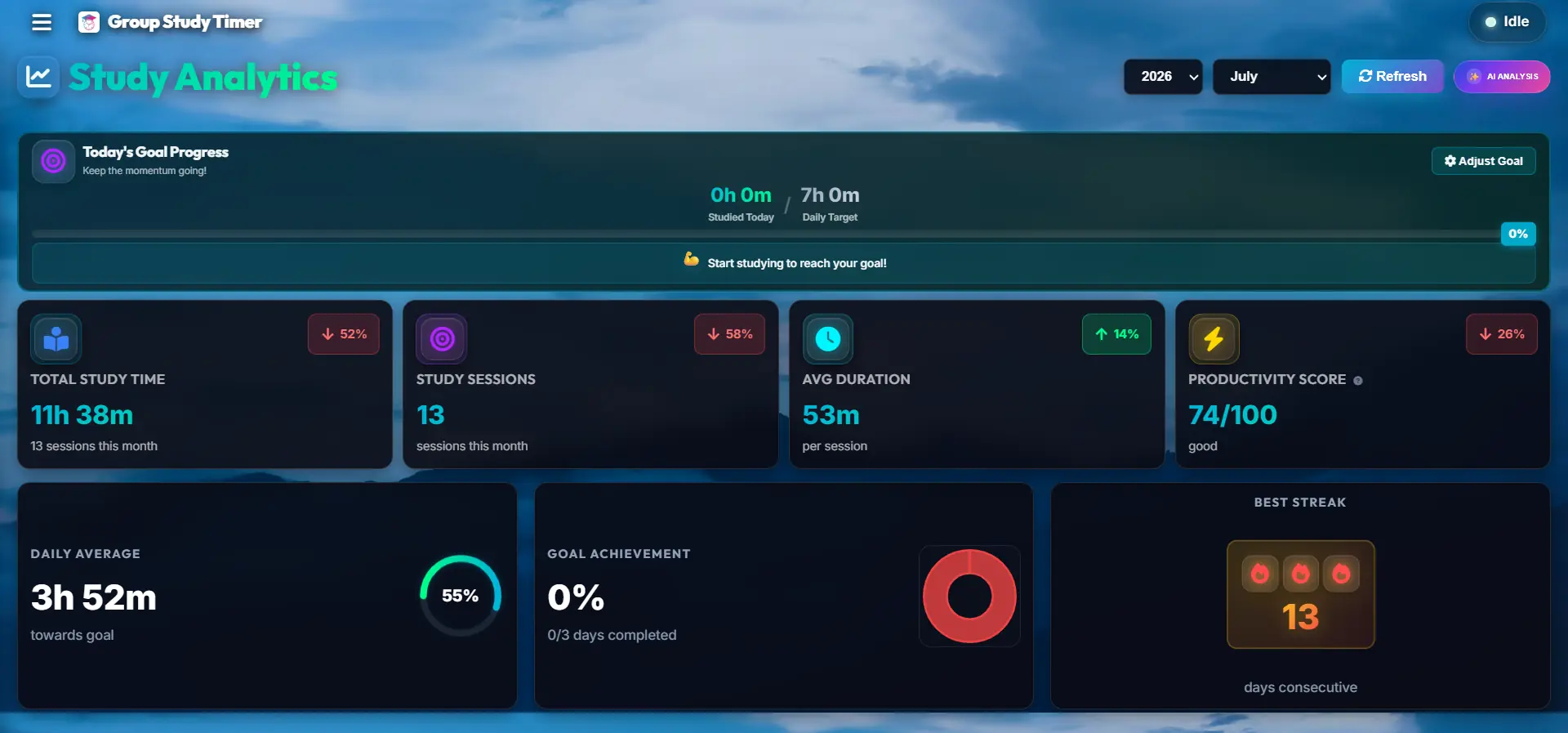
A tracker takes that guessing away. Hitting start draws a clean line — you're either working or you're not, no vague in-between. The first time you see that a "six-hour day" was actually two and a half hours of real focus, it stings a bit. But that's the useful number. You can't fix a problem you refuse to look at, and this is the tool that makes you look.
It also helps with the guilt, oddly. A lot of students never feel like they've done "enough," so they never switch off properly and slowly wear themselves down. Set a realistic daily target — say five focused hours — and once the dashboard says you hit it, you're allowed to stop and rest without the nagging feeling. The number gives you permission to log off.
One small side effect worth knowing
The moment you start measuring something — hours, spending, steps — you tend to nudge it in the right direction almost without trying. Just knowing the number will be recorded makes you a little less likely to cut the session short. It's a quiet effect, but for study hours it works in your favour.
What the Data Actually Tells You
Once you've tracked for a couple of weeks, a few genuinely useful patterns show up on their own.
Which subject you're neglecting
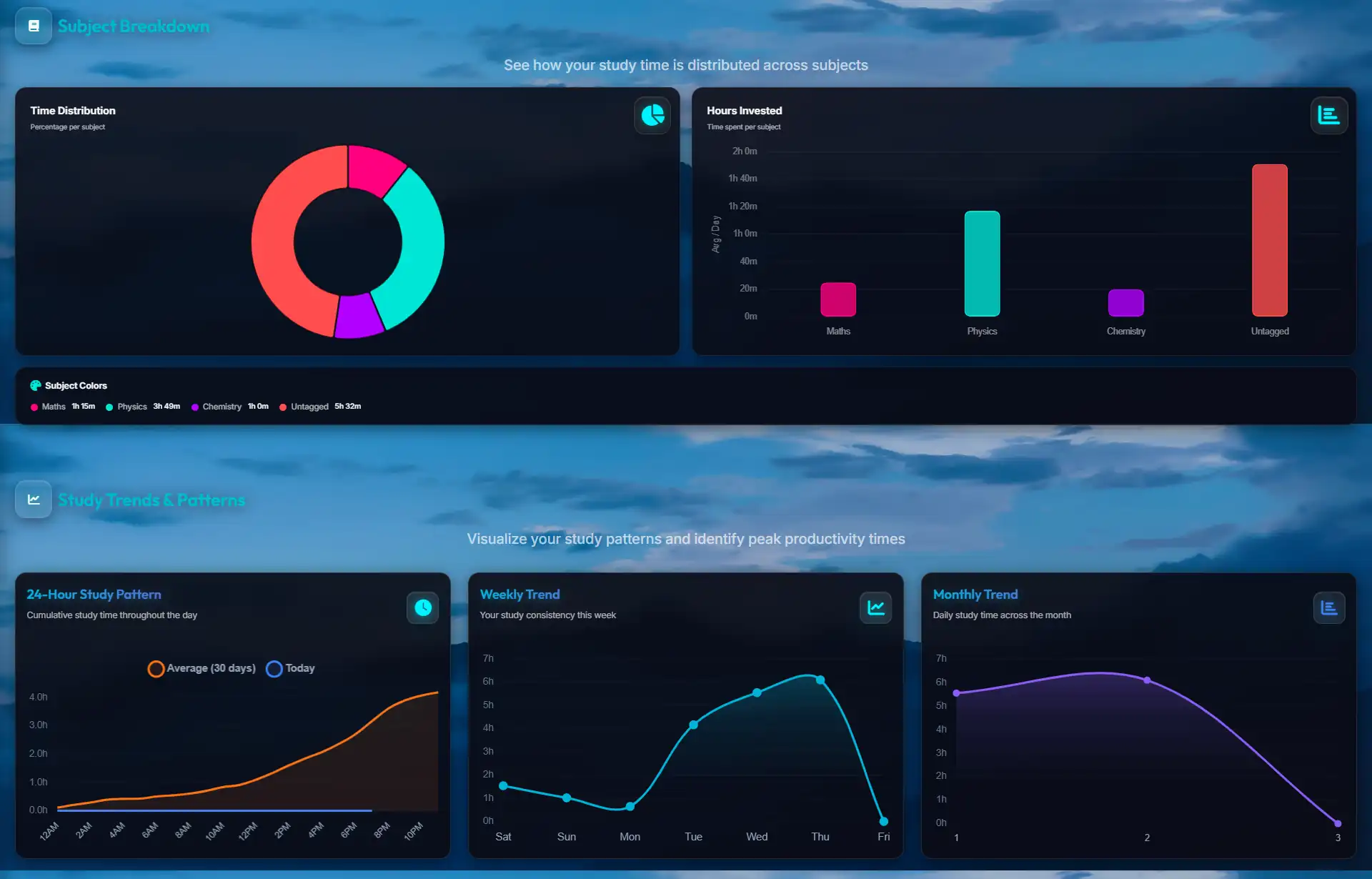
We all lean toward the subjects we enjoy and dodge the ones we're scared of. A NEET aspirant might quietly pour most of the week into Biology because it feels good, while Physics gets an hour here and there. You won't notice the imbalance day to day — but a weekly chart tagged by subject makes it obvious, and obvious is fixable well before it shows up in a mock score.
Proof you're still moving during a plateau
Every long prep hits stretches where mock scores just sit still, and that's when a lot of people give up. Being able to open a heatmap and see hundreds of logged hours behind you is a surprisingly steadying thing. The scoreboard isn't moving yet, but the work is real and it's stacking up — the results usually lag the effort.
When you actually focus best
Morning person or night owl? Don't guess — after a month of sessions, the dashboard shows which hours reliably turn into long, unbroken focus and which ones fall apart. Once you know, the move is obvious: put your hardest subject in your best window and leave the easy revision for the rest.
A Simple Routine to Build Around It
The tracker is only as good as the habits around it. Three small ones make the difference between pretty charts and charts you actually act on.
- 1. Tag the subject, not just "study". A blob of generic "study" hours tells you nothing later. Pick the actual subject before you start — even the topic if you can ("Organic: Aldehydes"). That's the detail that makes the weekly breakdown worth reading.
- 2. Pause when you step away. Reply to a text, grab water, get pulled into a conversation — if it's more than a minute or two, pause the clock. The number is only useful if it means focused time. A slightly smaller honest total beats a big fake one every time.
- 3. Do a five-minute review each week. Once a week — Sunday evening works well — open the dashboard and just look. Total hours, subject split, which days were empty. Then let that decide what next week's plan needs more of. Tracking without ever reviewing is just collecting numbers.
Three Ways to Ruin Your Own Data
The tracker only helps if the numbers are honest. These three habits quietly turn the data into noise.
Tracking for the number, not the work
Leaving the clock running through a show so you can screenshot a "12-hour day" feels good for a second and wrecks everything after. A week later you're looking at your charts with no idea which hours were real. The number stops being a mirror and becomes a story you told yourself.
Counting busywork as studying
Reorganising your desk, colour-coding notes, hunting down PDFs — it feels productive but it isn't studying, and logging it inflates your hours while your recall stays flat. Start the clock for the hard stuff: reading, active recall, solving problems. Rough rule of thumb — if it doesn't make your brain work a little, it probably shouldn't be on the clock.
Forgetting to stop
Everyone has walked off and left the timer running, then come back to a ridiculous 14-hour session in the log. A tracker with Pomodoro breaks or idle detection catches most of these for you by pausing when you're clearly not there, so one absent-minded evening doesn't skew your whole week.
Comparing Tracking Methods
How you track your data is just as important as the data itself. Let's look at the most common methods students use.
Frequently Asked Questions (FAQ)
What happens if I forget to turn my tracker on?
It happens to everyone. The best approach is to simply accept the lost data and start the timer when you remember. Do not try to manually "guess" and inject 45 minutes into your log, as this corrupts your habit of relying on the strict live clock.
Should I track my classes and lectures?
No. Your study tracker should only be used for "self-study" or deep work. Sitting in a lecture hall is passive learning. Your tracker needs to measure active recall and problem-solving to remain a true metric of your personal effort.
How far back does the analytics dashboard go?
GroupStudyTimer saves your data securely in the cloud. You can view your historical heatmaps, subject distributions, and total logged hours for your entire academic journey, allowing you to see year-over-year growth.
Is my data private?
Absolutely. While you have the option to share your live status in virtual study rooms, your deep analytics, subject breakdowns, and historical heatmaps remain completely private to your dashboard.
Do I have to pay to see my analytical heatmaps?
No. We believe every student deserves access to their own data. All of our tracking features, including the AI-powered insights and advanced visual charts, are 100% free.
Why We Built the Tracker
When we were prepping for our own exams, the tracking options were frustrating in opposite directions. The free tools were too flimsy — basic stopwatches that lost your time the moment you refreshed the tab. The genuinely powerful ones were built for offices and priced like it, which is a hard sell on a student budget.
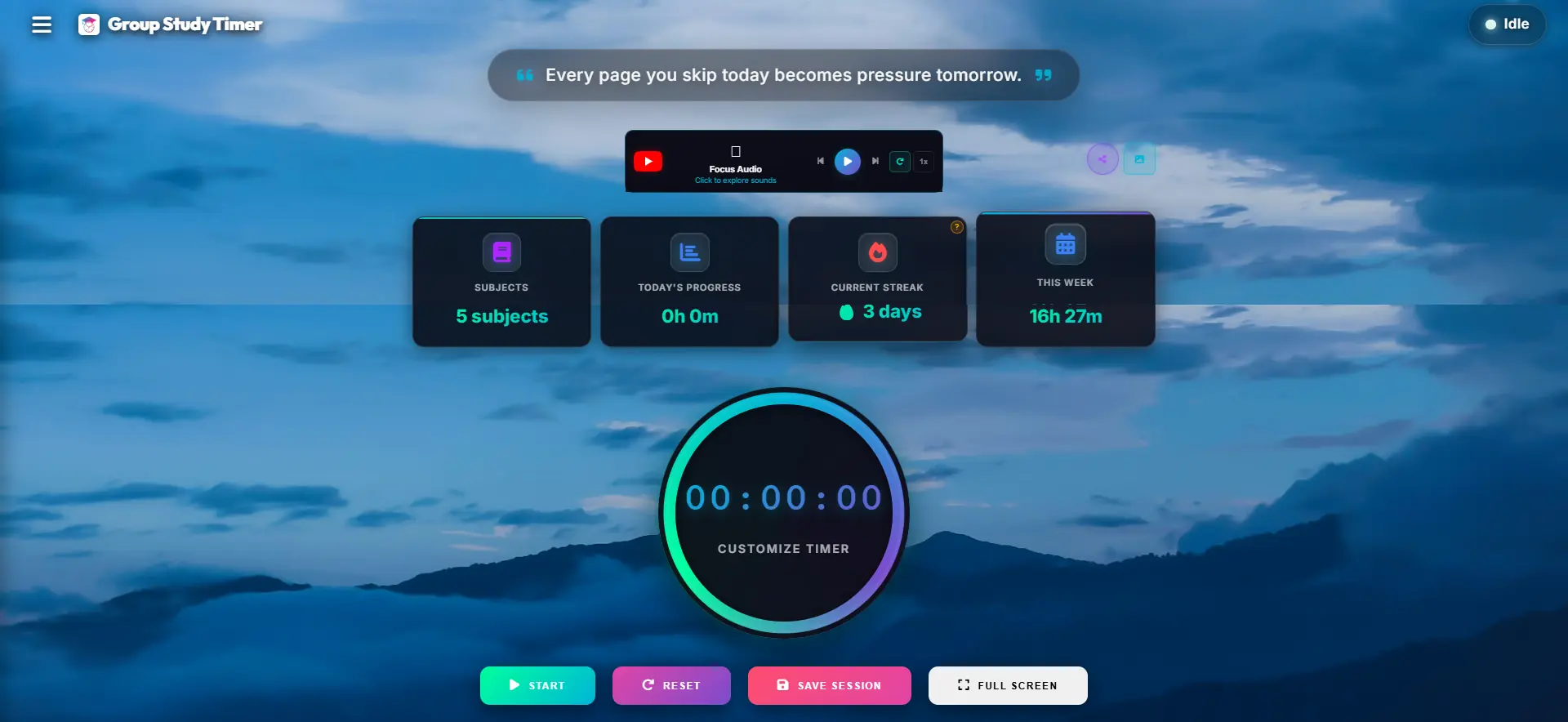
So we tried to land in the middle: a plain, distraction-free timer that quietly does the record-keeping for you. It logs your focused time, sorts it by subject, and turns it into a dark-mode dashboard you'll actually open on a Sunday. Most of the analytics you'd expect from a paid tool, built for students, and free — because looking at your own study data shouldn't be behind a paywall.
Explore More Productivity Strategies
Ready to dive deeper into optimizing your study habits? Check out our specialized guides tailored for different learning styles:
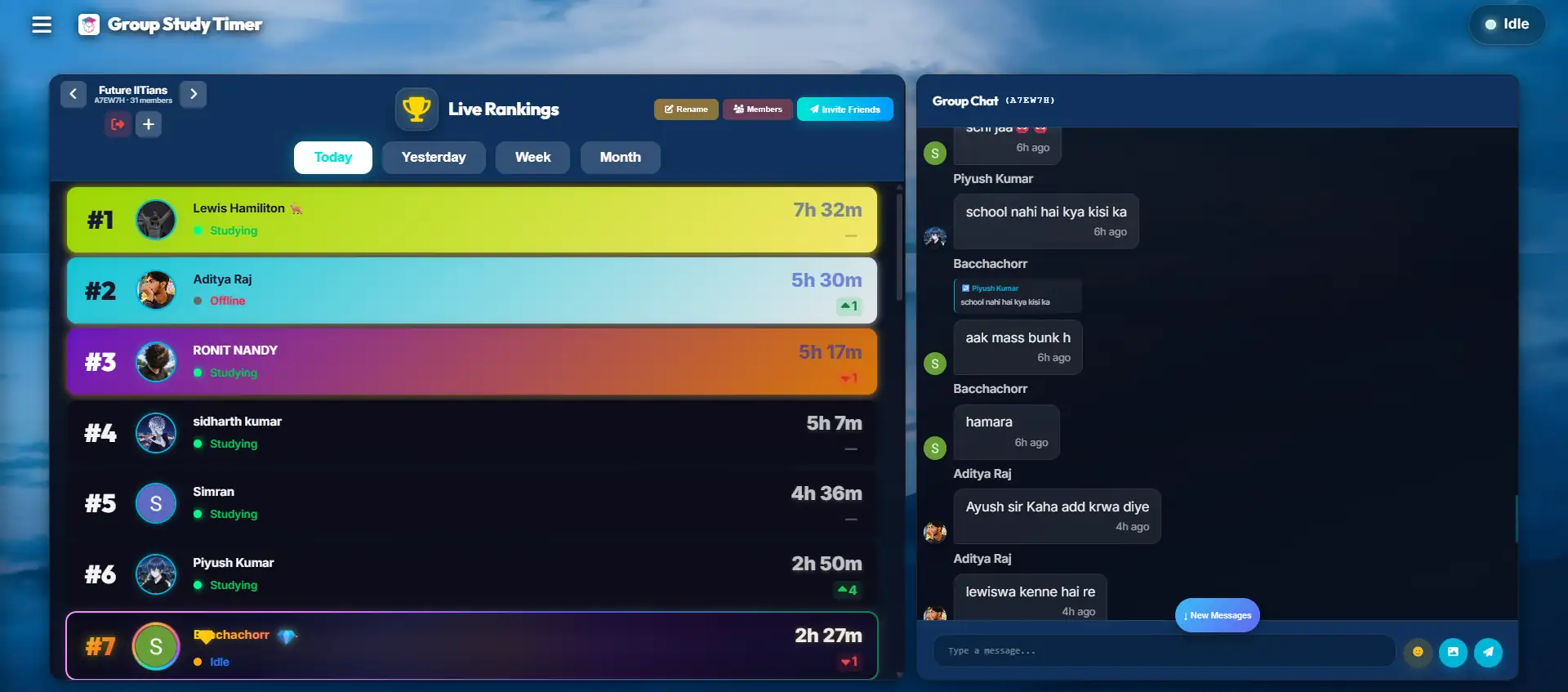
- 👉 Surviving Exam Season: The Power of Virtual Study Rooms - Discover how peer accountability can cure academic isolation.
- 👉 Mastering Your Time: The Ultimate Timer Hack - Read the cognitive science behind Parkinson's law and urgency.
- 👉 Designing Your Focus: The Aesthetic Timer - Read the science behind visual clutter and why a beautiful UI reduces cognitive load.
How Many Hours Should You Study? Exam-Wise Guides
Not sure how many hours to study or what a realistic study timetable looks like for your exam? Our detailed, exam-specific guides cover daily hours, sample schedules and preparation strategy:
- 👉 How Many Hours Should You Study for NEET? - NCERT-first strategy and sample daily timetables.
- 👉 How Many Hours Should You Study for JEE? - Problem-first study plans by stage.
- 👉 Class 12 CBSE Board Study Hours & Timetable - Balance boards with your entrance exam.
- 👉 See all study-hours guides (CUET, UPSC, CAT, CLAT, SAT & more) - Browse the full study blog.
See Where Your Hours Really Go
Track one honest week, then look at the breakdown. Odds are it'll surprise you — and that's exactly the information you need to fix your routine. It's free and there's nothing to install.
No credit card required. Instant access.