
The Pomodoro Timer, Explained for Students Who Actually Have Exams
By groupstudytimer · Last updated 4 July 2026
A lot of exam advice still boils down to "sit there and study until your eyes hurt," as if breaks were for people who aren't serious. Most of us have tried that and know how it ends: the first hour is sharp, and by the third or fourth you're reading the same paragraph over and over, taking almost nothing in. The effort is real; the return just quietly drops off.
Push that too far for too many days and you don't just lose an evening — you lose the will to sit down at all for a while. That flat, can't-be-bothered stretch is what people mean by burnout, and more coffee doesn't fix it. What actually helps is changing the shape of the session itself: shorter bursts of real focus with proper breaks between them.
That's the Pomodoro method in one sentence. It's not a miracle system and it won't do the work for you, but for getting started and staying steady over long prep it's one of the simplest things that reliably works. This guide covers why it helps, how to actually run a cycle, and the small mistakes that quietly cancel out the benefit.
Why Starting Is the Hard Part
Procrastination usually gets blamed on laziness, but that's not really it. Most of the time it's about avoiding a feeling. You look at a huge pile of Organic Chemistry and think "I have to study this for six hours," and that thought alone is heavy enough to make you reach for your phone instead. The phone isn't the problem — it's the escape hatch from the dread.
The Pomodoro trick is to make the task small enough that it stops being scary. Instead of "master Organic today," it's "just this one chapter, just 25 minutes, then I can stop." That's a size almost anyone can agree to, even on a bad day.
And the useful bit is what happens next: once you're a few minutes in, the dread mostly evaporates. Getting started was the hard part, not the studying itself. By the time the 25 minutes are up you've usually realised it wasn't as bad as you'd built it up to be — and starting the next block is far easier than starting the first.
Why it helps if you struggle to focus
If your attention wanders easily — and for people with ADHD especially — a huge open-ended task is almost impossible to start, because you can't see the finish line. Breaking it into 25-minute sprints, each with a guaranteed break right after, gives you a finish line you can actually see and a small reward you can count on. That's often enough to get moving when a vague "study more" isn't.
What the Breaks Actually Do
People assume the work blocks are the point and the breaks are just downtime. It's closer to the other way around — the breaks are what make the whole thing sustainable.
You stop before you're wrecked
Because you break every 25 minutes, you're resting before you hit the wall instead of after. It's like sipping water through a run rather than waiting until you're already dizzy. The upshot is you can put in a genuinely long day and still have something left by the evening, instead of being fried by mid-afternoon and forcing the rest.
A deadline you can feel
Give yourself all day for one chapter and it'll somehow take all day. A visible 25-minute clock does the opposite — with ten minutes left you naturally pick up the pace to finish the bit you're on. It's a mild, useful pressure that cuts out the slow drifting that eats open-ended sessions.
Room to let it sink in
A lot of what you "learn" actually settles during the gaps, not while you're cramming it in. The short breaks give your brain a moment to file away what you just did before you pile the next thing on top. Skip them and it all blurs together, which is part of why marathon sessions feel busy but don't stick.
Running a Cycle, Step by Step
The method is simple, but a few details are what make it work instead of just being a fancy egg timer.
- 1. Pick something that fits in 25 minutes. Don't start with "study Chemistry." Choose a chunk you can actually finish in the block — "balance these 10 equations", "read and note one short chapter". Knowing what "done" looks like keeps you from drifting.
- 2. Work for the 25 minutes, properly. Start the clock and treat the phone as off-limits — no "quick" checks, no wandering onto Wikipedia. When a stray thought shows up ("need to buy milk"), don't chase it; jot it on a scrap of paper and get straight back. Those two seconds save you from losing the thread.
- 3. Take the 5 minutes away from a screen. When it rings, stop — mid-sentence is fine. Stand up, stretch, get water, look out the window. Try not to open social media here: a fast, flashy feed makes it noticeably harder to settle back into a slow textbook afterwards. Let your head actually rest.
- 4. After four blocks, take a longer break. Roughly every two hours, take 15-30 minutes off — eat properly, walk, step outside. This is what lets you keep going for a full day instead of running the tank dry by lunch.
Where People Go Wrong With It
The method is easy to follow and just as easy to quietly break. These three are the usual culprits.
Skipping the break because you're "in the zone"
This is the most common one. The bell goes, you feel like you're flying, so you push on. It feels productive in the moment, but skipping breaks is exactly what leads to that wall around hour three. Take the break even when you don't feel like you need it — that's the point. The energy you're saving is for later in the day.
Scrolling through the break
Spend the five minutes on a fast-moving feed and going back to a textbook feels like slamming the brakes — everything after seems slow and boring by comparison. A break your brain actually recovers from looks more like staring out a window, a few stretches, or just closing your eyes. Boring is the point.
Forcing 25 minutes onto everything
25/5 is great for reading and memorising, but for heavy problem-solving — long maths, coding, physics numericals — it can cut you off right as you get going, which is worse than no timer at all. For that kind of work, switch to something like 50 minutes on and 10 off. The ratio isn't sacred; match it to the task.
Comparing Your Timer Options
To execute this method flawlessly, you need a timer that manages the cycles for you. Let's compare the tools available.
Frequently Asked Questions (FAQ)
Can I change the 25-minute work block to 50 minutes?
Yes, absolutely. While the traditional method uses 25 minutes, our platform allows you to completely customize your intervals. For deep work, a 50-minute work block followed by a 10-minute break is highly recommended by top educators.
Does the timer make a loud, annoying sound when the break starts?
No. We engineered our alarms to be highly aesthetic and unobtrusive. The timer uses gentle audio cues that gracefully pull you out of your flow state without causing a stressful spike in adrenaline.
Does this platform cost money to use?
No. Unlike other productivity apps that lock automated cycles and data tracking behind paywalls, our entire ecosystem—including the highly customizable Pomodoro engine—is 100% free for all students.
What should I do during the long 20-minute break?
Use the long break to reset physically. Eat a high-protein snack, go for a walk outside, or take a short power nap. The goal is to return to your desk feeling completely refreshed for the next set of four cycles.
Can I use this timer for group study sessions?
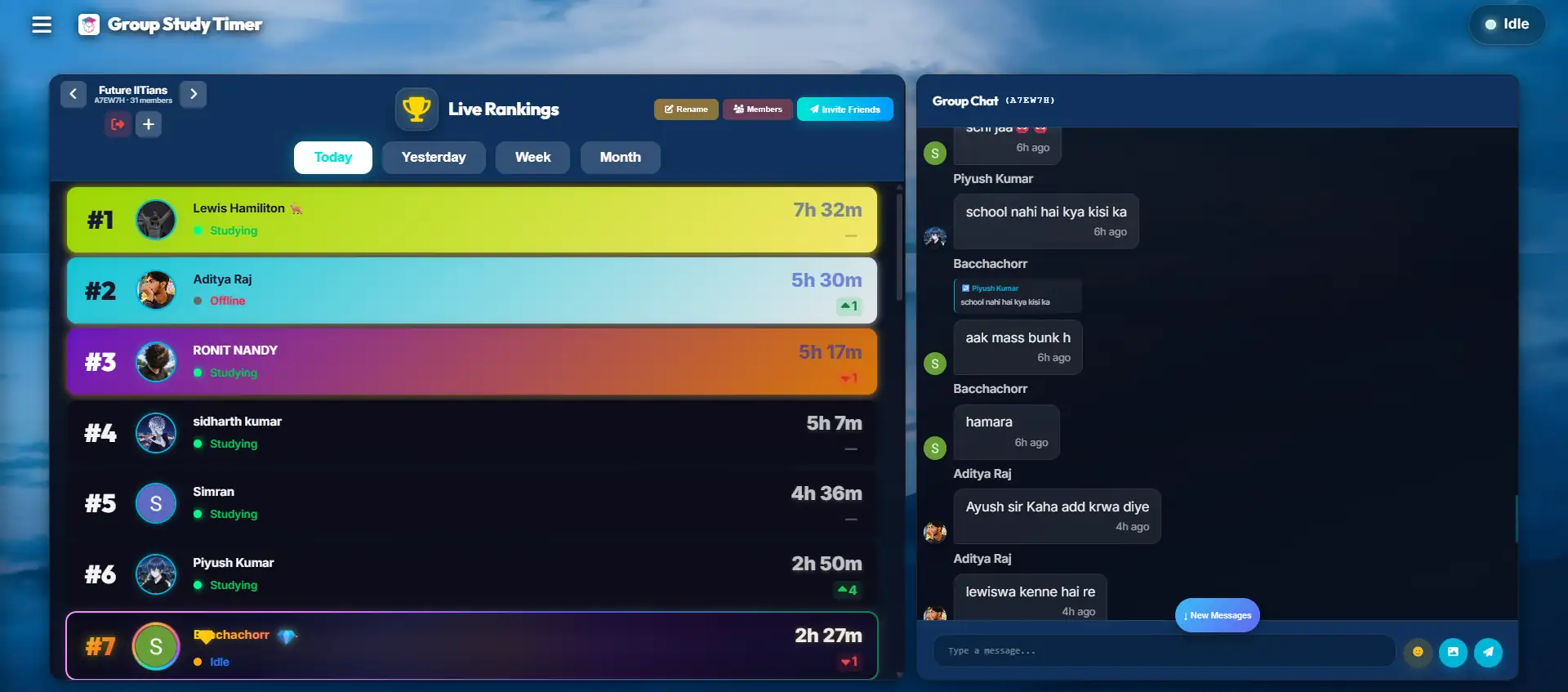
Yes! Our platform features synchronized virtual rooms. You and your friends can join the same room, and the timer will sync perfectly across all your screens, ensuring the entire group works and rests at the exact same time.
Why We Built the Pomodoro Timer
When we tried to run Pomodoro during our own exams, the tools kept getting in the way. Manual timers meant clicking to reset every 25 minutes, which broke the focus they were supposed to protect. Phone apps put us one glance away from notifications. And the good web timers usually wanted a monthly fee to unlock the automatic cycling and any kind of tracking.
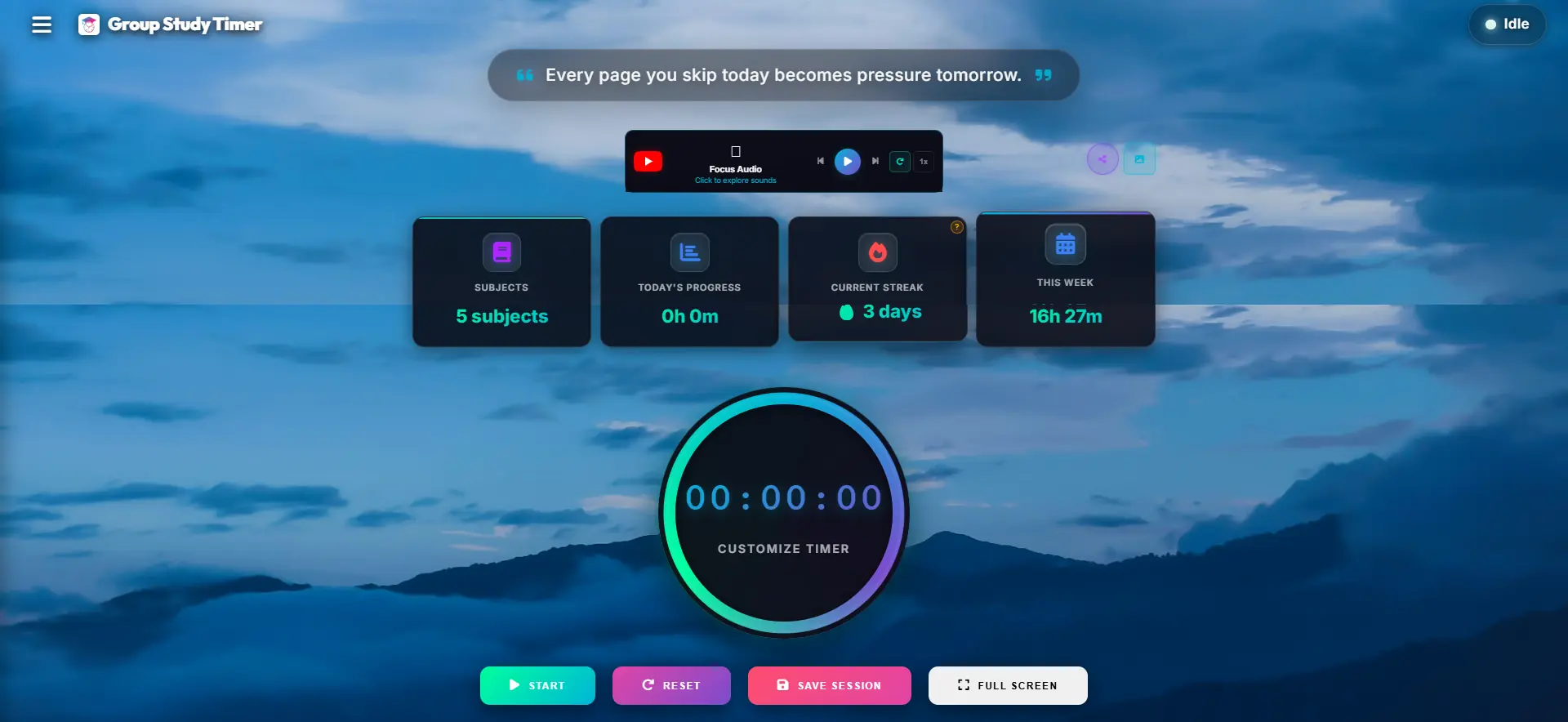
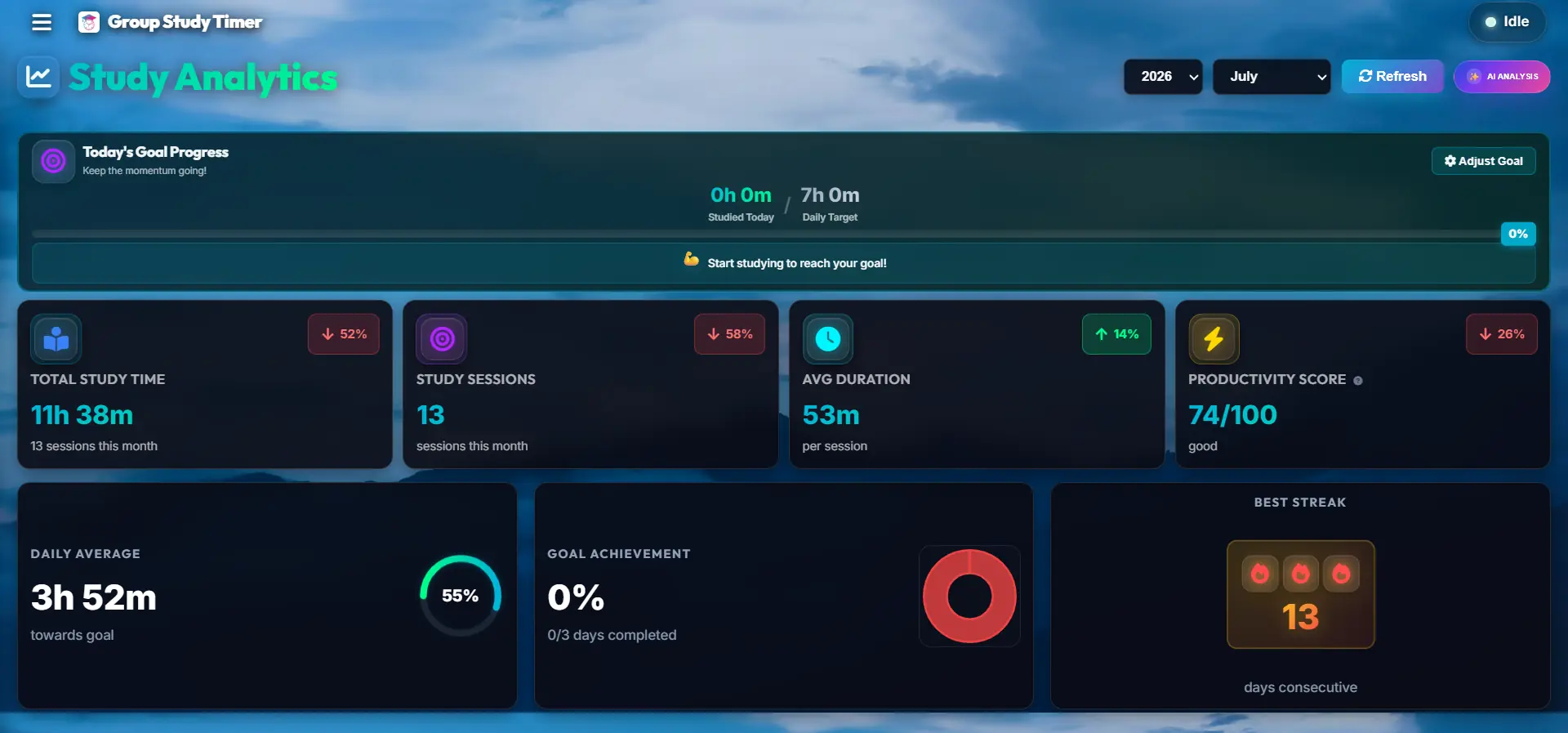
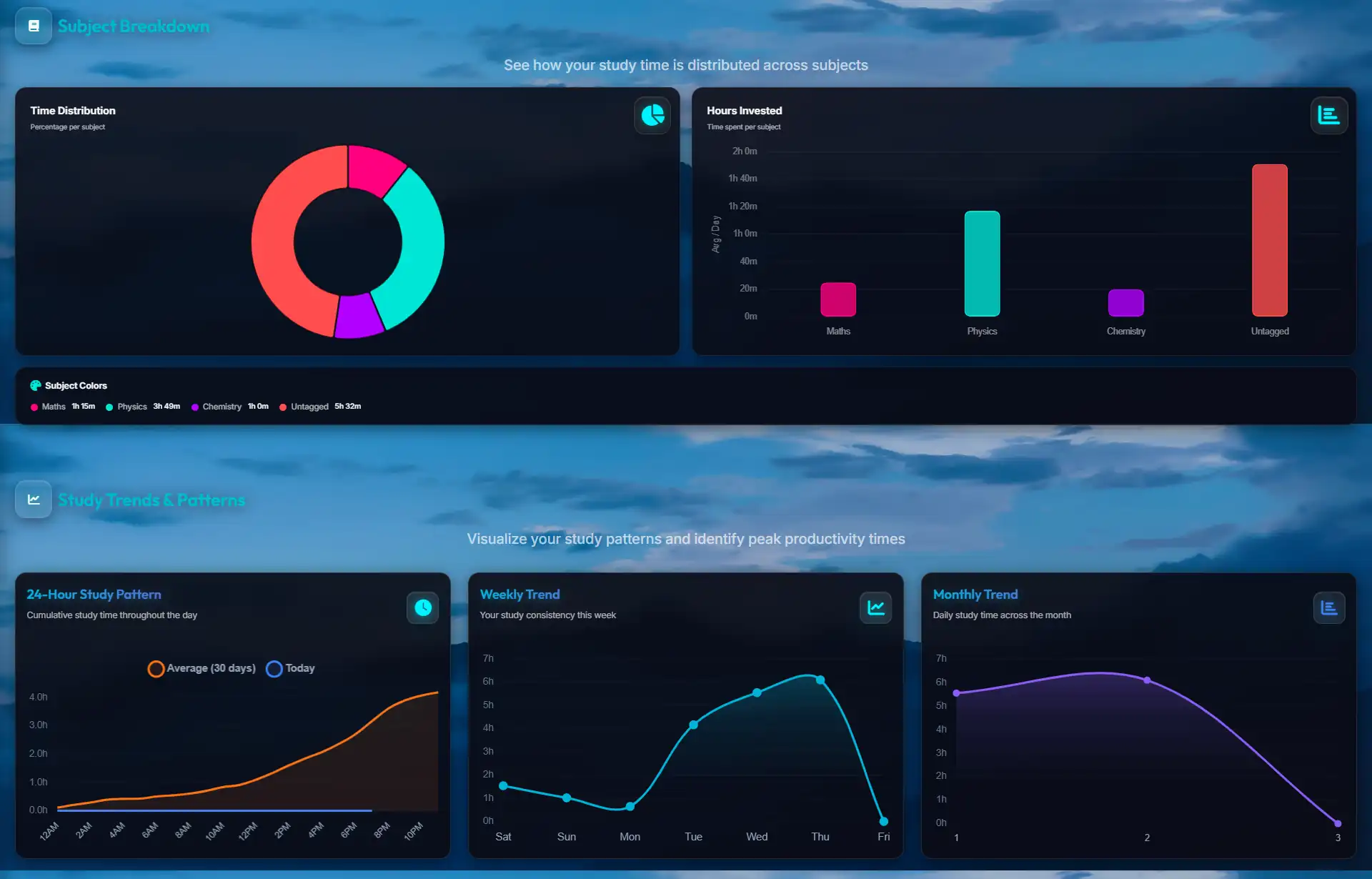
So we kept ours boring in the right ways: it lives in a browser tab, loops the work and break blocks on its own so you never touch it mid-session, and quietly logs your completed cycles so you can see the day add up. Nothing to configure, nothing behind a paywall — just the timer running in the background while you get on with the actual studying.
Explore More Productivity Strategies
Ready to dive deeper into optimizing your study habits? Check out our specialized guides tailored for ambitious students:
- 👉 The Science of Measurement: Why a Study Tracker Transforms Exam Prep - Learn how data and heatmaps expose inefficiencies in your schedule.
- 👉 Surviving Exam Season: The Power of Virtual Study Rooms - Discover how peer accountability and body doubling can cure academic isolation.
- 👉 Designing Your Focus: The Aesthetic Timer - Read the cognitive science behind visual clutter and how a clean UI accelerates flow state.
Try One Cycle Right Now
Pick one small task, start a 25-minute block, and see how much easier it is to begin. The timer loops the breaks for you and logs your hours. It's free and runs in your browser.
No credit card required. Instant access.